The Best Background Removal Tools in 2025
In 2025, the demand for professional-quality visuals is at an all-time high, and background removal has become a key step in producing polished, creative, and brand-consistent content. Whether you’re an eCommerce seller, social media creator, or graphic designer, using the best background removal tools ensures you deliver standout images with zero distractions.
In this comprehensive guide, we reveal the Best Background Removal Tools in 2025, highlighting their features, advantages, and why they lead the industry.
1. Remove.bg
Remove.bg remains the top favorite for both professionals and beginners in 2025. It offers AI-powered background removal with just one click. Users simply upload an image, and the tool automatically detects the subject and removes the background flawlessly.
Remove.bg continues to be a leader among the best background removal tools in 2025. Powered by advanced AI technology, it delivers instant, flawless background removal for images of all types. The tool’s simplicity is unmatched—you just upload your image, and within seconds, the background is removed automatically with near-perfect precision. Whether for eCommerce product photos, profile pictures, or marketing content, Remove.bg’s AI intelligently detects edges and complex details such as hair and transparent objects.
Additionally, Remove.bg supports bulk processing via its API, making it a valuable choice for businesses with large image libraries. Its integration with popular design software like Photoshop further boosts workflow efficiency. High-resolution output options guarantee professional-quality images ideal for web and print use. This combination of speed, accuracy, and flexibility firmly establishes Remove.bg as one of the best background removal tools to use in 2025.
Key Features:
- One-click background removal
- API for bulk processing
- High-resolution download support
- Photoshop plugin integration
- Easy drag-and-drop UI
Why Choose Remove.bg?
It’s fast, accurate, and requires no manual editing. For those who need bulk processing or integration with design tools, its API and plugins are incredibly useful. A go-to solution for eCommerce and social media marketers.

2. Adobe Photoshop 2025 (Remove Background Tool)
Photoshop’s 2025 update has taken background removal to the next level with AI-enhanced Select Subject and Remove Background tools. It provides pixel-perfect cutouts, ideal for professional graphic work.
Adobe Photoshop remains the gold standard in photo editing, and its 2025 iteration features a remarkably enhanced AI-driven Remove Background tool. Designed for professionals requiring ultimate control, Photoshop offers refined subject detection and edge smoothing to produce pixel-perfect cutouts. Unlike automatic one-click tools, Photoshop provides manual refinements with advanced masking and layer adjustments.
This level of precision is essential for complex images involving intricate details or multiple subjects. The integration of AI accelerates the process but leaves full creative control in the hands of users. Photoshop’s versatility makes it indispensable among the best background removal tools, especially for graphic designers, photographers, and digital artists demanding top-tier quality.
Key Features:
- AI-driven auto-selection
- Advanced edge refinement tools
- Full manual control
- Integration with layer masks
- Best for high-detail images
Why Choose Adobe Photoshop 2025?
It offers full control and customization. Ideal for designers who want professional-level precision and edit flexibility—undoubtedly one of the best background removal tools in 2025 for power users.
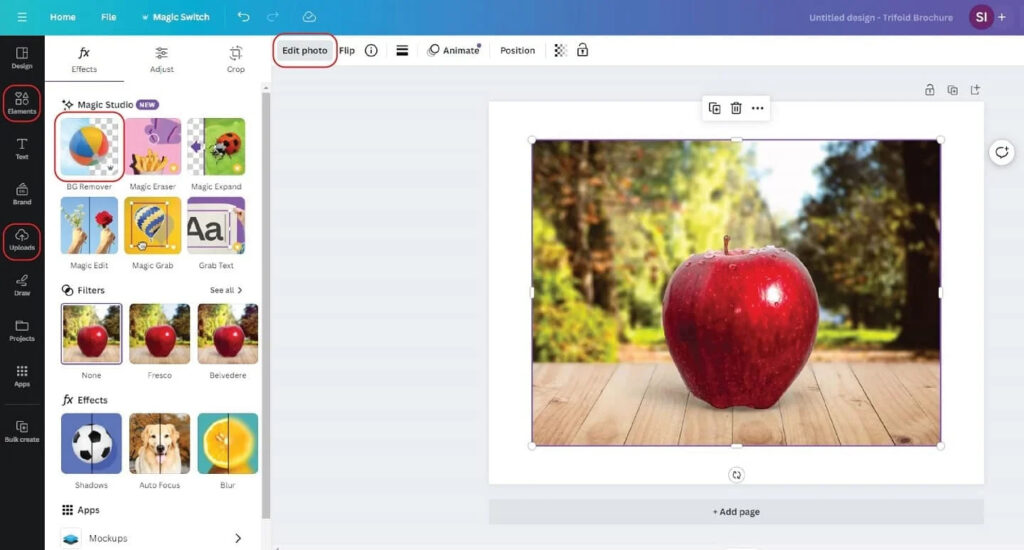
3. Canva Pro 2025 (Background Remover Tool)
Canva Pro’s background remover is integrated directly into its design interface, making it perfect for non-designers. The AI intelligently detects the subject and offers instant cutouts.
Canva Pro’s background remover is an easy-to-use, one-click AI-powered tool embedded directly into its popular design platform. It is perfectly suited for marketers, social media managers, and small business owners who want to create eye-catching content without complex software. The background remover instantly isolates the subject, enabling users to insert new backgrounds or overlays seamlessly.
Its accessibility across web and mobile, combined with seamless integration into hundreds of design templates, makes Canva Pro a standout among the best background removal tools for 2025. The tool balances simplicity and power, allowing anyone to create professional visuals in minutes.
Key Features:
- One-click background removal
- Integrated into design templates
- Works on desktop and mobile
- Ideal for marketing creatives
- No need for extra software
Why Choose Canva Pro?
If you’re already designing in Canva, it’s the most convenient and quick tool available. No need to export/import files. It’s designed for entrepreneurs, marketers, and small businesses.
4. Fotor Background Remover
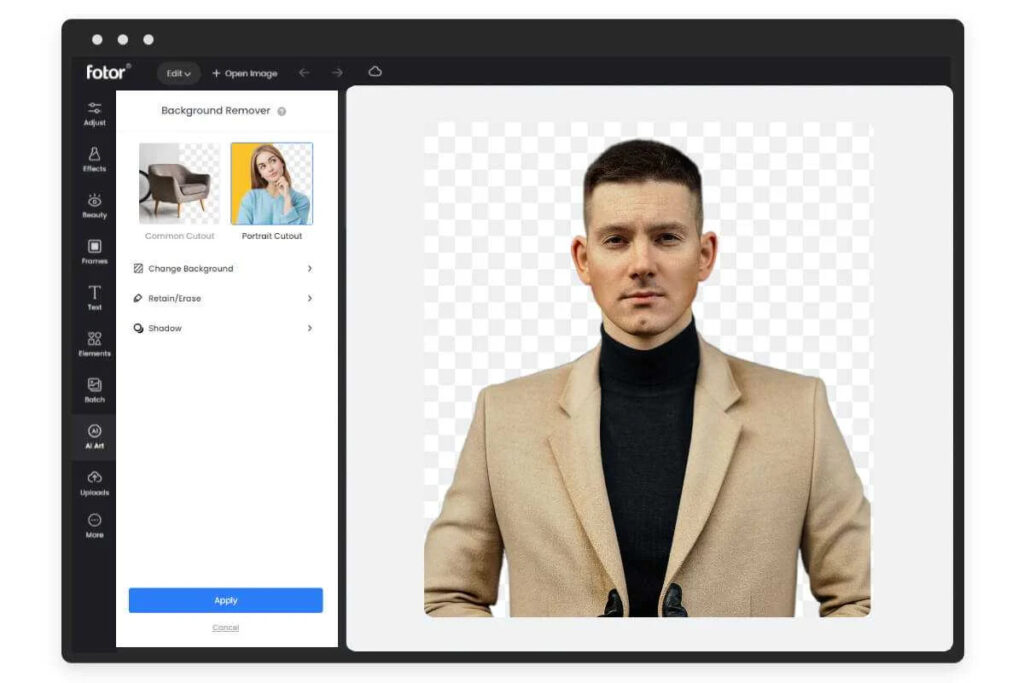
Fotor’s AI background remover is reliable and intuitive. It’s built for fast editing without sacrificing accuracy.
Fotor offers a smart AI-powered background remover known for its ease of use and effective results. The tool features a straightforward drag-and-drop interface that appeals to users of all skill levels. Its AI automatically detects the subject and removes backgrounds with impressive accuracy, handling complex edges like hair and transparent objects.
Batch processing capabilities make Fotor ideal for online sellers and content creators who need to edit multiple images quickly. Export options support various formats suitable for social media, websites, and print. Fotor’s balance of speed, simplicity, and precision secures its position as one of the best background removal tools available in 2025.
Key Features:
- Quick drag-and-drop interface
- Smart AI object detection
- Manual adjust tools available
- Batch removal supported
- Easy export in various formats
Why Choose Fotor?
It’s a balanced tool that delivers solid performance with minimal complexity. Especially great for online sellers and influencers needing quick image edits on the fly.
5. Pixlr BG
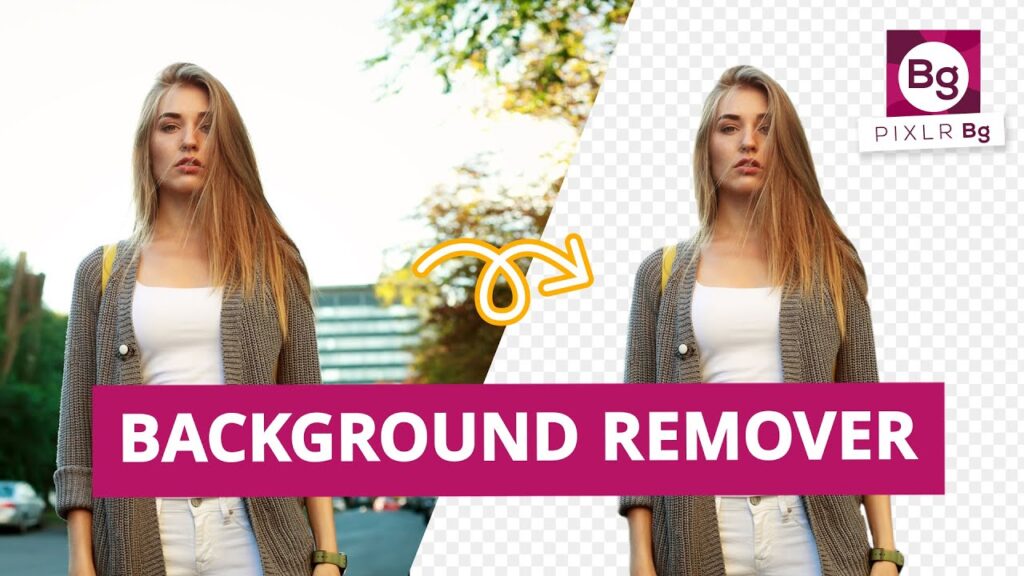
Pixlr has grown significantly, and its background removal tool, Pixlr BG, is one of the most precise browser-based editors.
Pixlr BG is a browser-based background remover that delivers remarkable accuracy without requiring any software installation. It leverages AI to intelligently separate the subject from the background in seconds. The tool offers edge refinement features to enhance cutout quality, making it excellent for portraits and product images.
Pixlr BG’s no-signup access and free usage tier provide immediate value for casual users and small business owners. It’s lightweight yet powerful enough to compete with desktop applications. This makes Pixlr BG one of the most accessible and efficient entries among the best background removal tools in 2025.
Key Features:
- Smart cutout with AI
- No sign-up required
- Ideal for headshots and product photos
- Edge refinement options
- Runs directly in your browser
Why Choose Pixlr BG?
It’s a fantastic option for users who want a free and fast online background remover. The simplicity and performance make it one of the best background removal tools for casual and intermediate users.
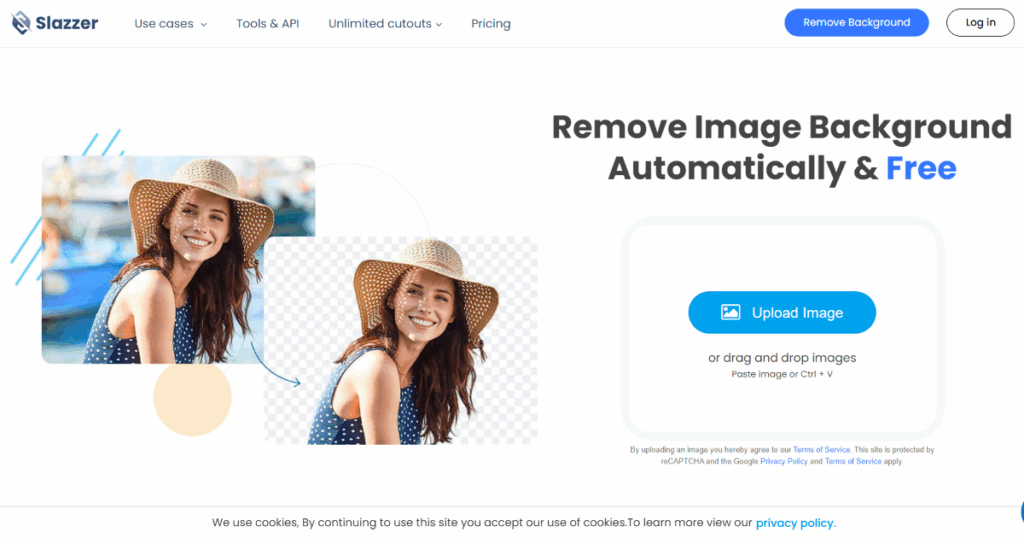
6. Slazzer
Slazzer is designed with businesses in mind. It offers real-time background removal, batch editing, and even desktop and mobile apps for enhanced workflow.
Slazzer is designed with enterprise-level speed and scalability, making it perfect for teams and businesses with high-volume image editing needs. Its AI-powered background removal is complemented by real-time previews, Photoshop and Figma plugins, and desktop and mobile apps.
The platform supports API integration, enabling automated workflows that save time and reduce manual labor. Slazzer’s focus on professional-grade results and bulk processing capabilities make it one of the best background removal tools for companies aiming for consistent, high-quality visuals in 2025.
Key Features:
- High-speed processing
- Photoshop & Figma plugins
- Real-time previews
- API for automation
- Multi-platform support
Why Choose Slazzer?
It’s ideal for teams and businesses needing consistent high-quality background removal at scale. Its plugin ecosystem and API set it apart from other tools.
7. Removal.AI
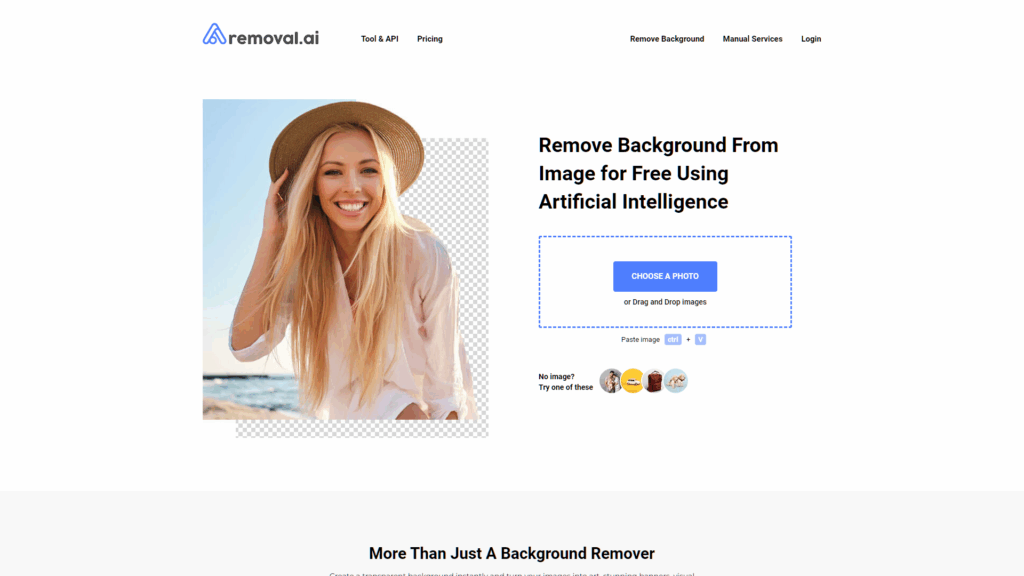
Removal.AI is built for automation and bulk processing. It provides clean, sharp cutouts using powerful artificial intelligence.
Removal.AI is tailored for eCommerce sellers and digital marketers who require bulk background removal with minimal effort. The tool’s AI is specifically trained to handle product images, ensuring clean cutouts and the option to replace backgrounds with white or customized colors.
It also offers a built-in background editor, enabling users to fine-tune images post removal. With competitive pricing and flexible plans, Removal.AI stands out among the best background removal tools in 2025, especially for online retailers and content teams managing large inventories.
Key Features:
- AI precision cutouts
- Bulk image removal
- ECommerce-focused templates
- Background editor included
- Affordable pricing plans
Why Choose Removal.AI?
It’s tailored to eCommerce platforms like Shopify, WooCommerce, and Etsy. For bulk product image editing, it’s one of the best background removal tools in 2025.
8. PhotoRoom
Originally a mobile-first app, PhotoRoom has expanded to desktop, offering AI-driven cutouts and scene generators.
PhotoRoom started as a mobile-first solution and has grown into a powerful desktop app offering AI-driven background removal and creative templates. It excels at automatically isolating subjects and generating polished scenes, making it a favorite among social media influencers and small businesses.
Its batch processing features and extensive template library facilitate quick creation of product photos, banners, and social posts. PhotoRoom’s creative versatility combined with its intuitive interface ranks it among the best background removal tools for 2025.
Key Features:
- Auto background removal
- Smart templates for social media
- Batch mode on mobile
- Creative background replacements
- AI-generated scene enhancements
Why Choose PhotoRoom?
It’s perfect for Instagram sellers, small business owners, and influencers who want eye-catching images fast. With background editing and scene creation, it’s an all-in-one content tool.
9. InPixio Remove Background
InPixio offers a seamless experience for PC users looking for professional background removal without complex software.
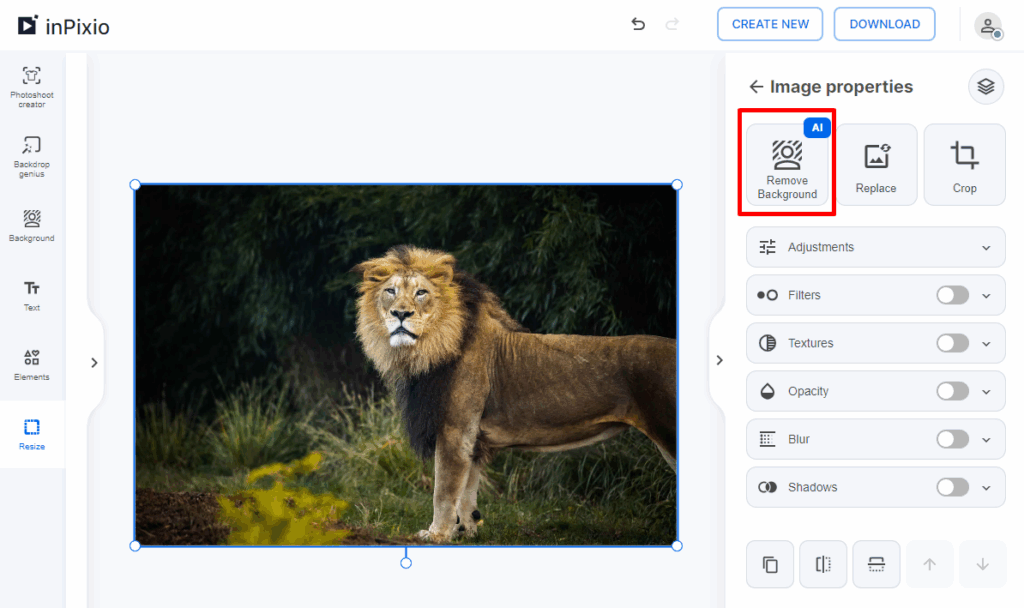
InPixio Remove Background provides a desktop-based alternative focused on simplicity and effective background removal for PC users. It offers advanced edge detection and easy-to-use manual tools to refine cutouts.
Ideal for photographers and print professionals, InPixio supports exporting images in multiple formats and includes a basic editing suite. Its offline availability makes it a reliable choice and one of the best background removal tools for users who prefer desktop applications in 2025.
Key Features:
- PC-based background removal
- Edge detection tools
- Simple UI for all skill levels
- Export in PNG & JPG formats
- Built-in editing suite
Why Choose InPixio?
If you’re working offline or prefer desktop tools, InPixio is efficient and effective. Great for photographers and print designers.
10. Trace by Sticker Mule
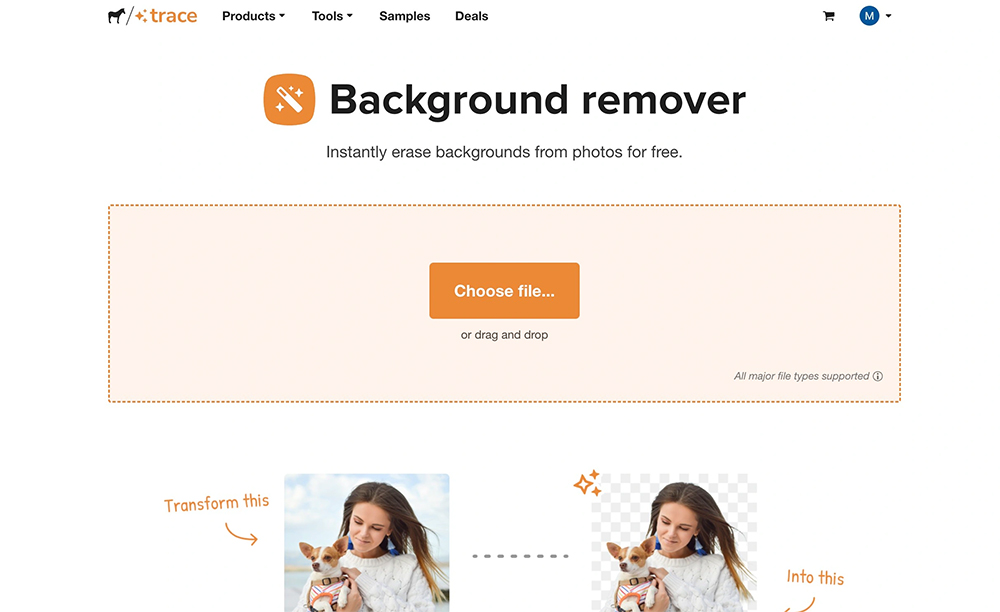
Trace is a fast, free tool developed by Sticker Mule that removes backgrounds effortlessly in seconds.
Trace is a free, fast, and user-friendly background removal tool developed by Sticker Mule. It excels at delivering quick, high-quality cutouts for casual users and small businesses without requiring any sign-up.
Despite its simplicity, Trace offers excellent edge detection and smooth background removal. It is ideal for anyone needing immediate results without complexity, making it one of the most accessible best background removal tools in 2025.
Key Features:
- Super-fast background removal
- Built for casual and business use
- Easy download options
- Free to use, no registration
- Also offers design suggestions
Why Choose Trace?
For quick, no-fuss cutouts, Trace is perfect. It’s one of the fastest and simplest background removal tools online today.
Conclusion
The demand for clean and professional images will only grow in 2025. Whether you’re designing banners, building product listings, or just cleaning up social content, using the best background removal tools can significantly elevate your work. From AI-driven precision tools like Remove.bg and Slazzer to creative-friendly solutions like Canva Pro and PhotoRoom, there’s a perfect fit for every need.