Best 7 AI Tools for UI/UX Design: Revolutionizing the Future of Digital Interfaces
The best 7 AI tools for UI/UX design in 2025 are transforming how designers craft digital experiences. As user expectations evolve rapidly, the integration of artificial intelligence into design workflows is no longer optional—it’s essential. These tools empower designers to build intuitive, data-driven, and highly adaptive interfaces faster than ever before, reshaping how we approach UX optimization, prototyping, and user research.
In this article, we explore the best 7 AI tools for UI/UX design, examining how they reshape everything from wireframing and prototyping to UX research and usability testing. Whether you’re a freelance UX designer, part of a product team, or running an agency, these AI-powered solutions are transforming the way design happens—offering intelligent suggestions, automating routine tasks, and accelerating delivery with precision.
1. Galileo AI – The Creative Force Behind Interface Magic
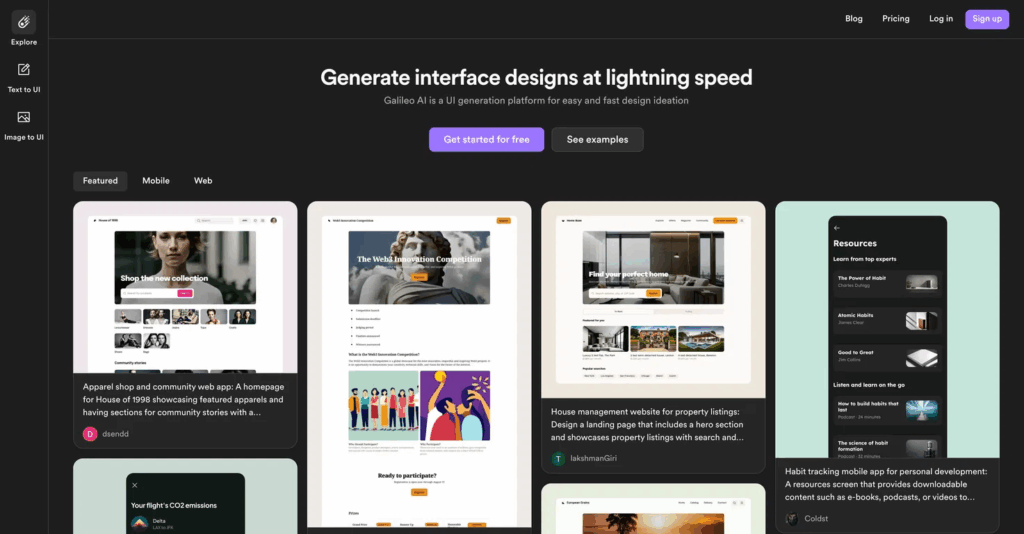
Galileo AI has quickly gained popularity as one of the best AI tools for UX designers. It uses advanced natural language processing to transform text prompts into stunning, editable UI designs. Designers no longer need to manually draw wireframes or build UIs from scratch—Galileo AI takes your vision and instantly generates polished screens that you can fine-tune.
What sets Galileo AI apart is its ability to understand design context, brand guidelines, and even UX copy. It learns from past projects and optimizes future outputs, making it a smart companion for AI in UX workflows. For those looking for free AI tools for UI/UX design, Galileo offers limited access on trial, making it a great starting point for freelancers and startups looking to streamline interface generation.
The tool’s capability reflects a broader movement toward AI design automation, where machine intelligence interprets user intent and creates solutions with minimal manual intervention—making it one of the most promising UX and AI integrations.
2. Uizard – Rapid Wireframing Meets AI Intelligence
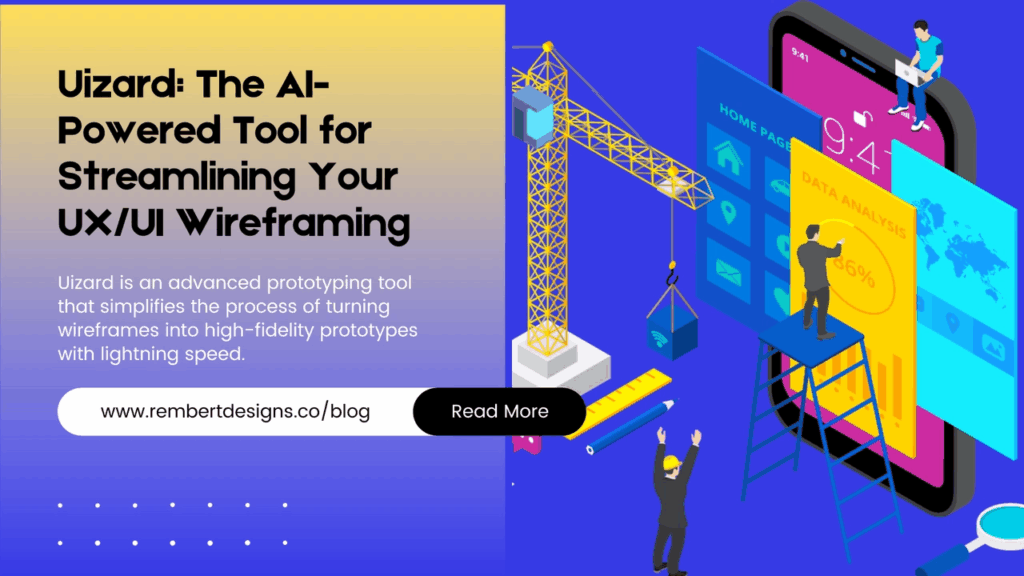
If you’re looking for a balance between speed and functionality, Uizard is one of the most versatile AI tools for UI UX designers. It transforms sketches, screenshots, or even verbal commands into high-fidelity mockups. Its machine-learning models are trained on hundreds of successful UX patterns, meaning it can suggest optimized layouts, flows, and UI components.
Uizard’s AI-enhanced prototyping abilities make it a dream for iterative UX research. Whether you’re working on a mobile app, SaaS platform, or e-commerce interface, Uizard bridges the gap between ideation and execution. It’s ideal for cross-functional teams where UX design meets business goals.
Uizard also supports UX optimization through automated usability checks, ensuring that designs adhere to accessibility standards and usability best practices. The combination of AI for UX and cross-device compatibility positions Uizard as a game-changer in 2025.
3. Framer – Next-Level AI for UI/UX Designers
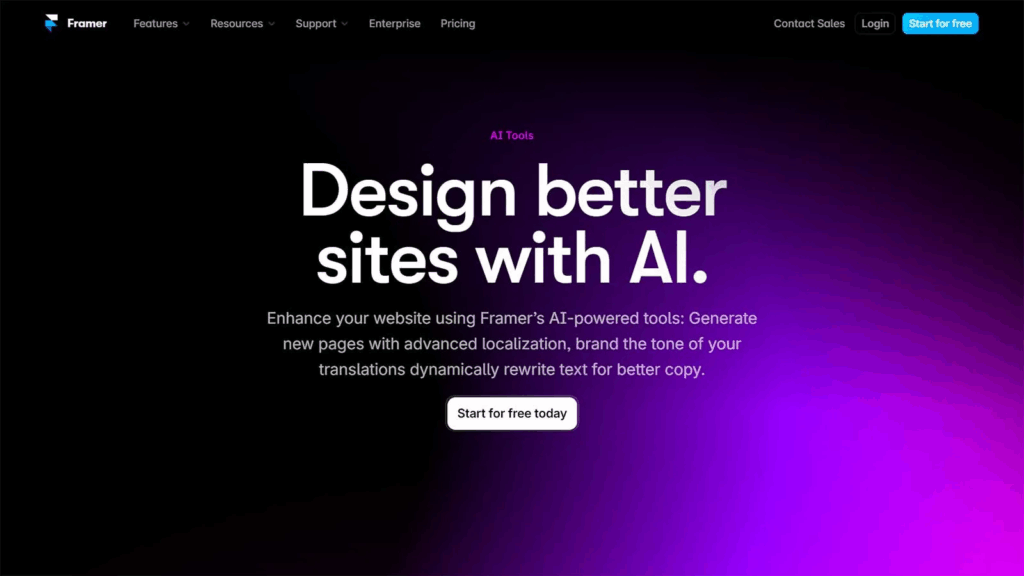
For those pushing the boundaries of interactive design, Framer is a powerful AI-enhanced UI/UX platform that blends visual design with code-like functionality. Framer’s AI models assist in responsive layout adjustments, real-time content suggestions, and interactive prototyping without requiring JavaScript expertise.
With Framer’s intelligent layout system, designers can focus on UX intent while the AI handles adaptive behavior. This makes Framer a standout in the space of AI tools for UX designers who want to blend creativity with performance.
Moreover, Framer supports real-time testing and integrates easily with user feedback tools—allowing teams to leverage AI for UX research in a practical, measurable way. Its seamless support for web and mobile design aligns with what users expect from the best UI UX tools in the modern design stack.
4. Attention Insight – Data-Driven UX Decisions Powered by AI
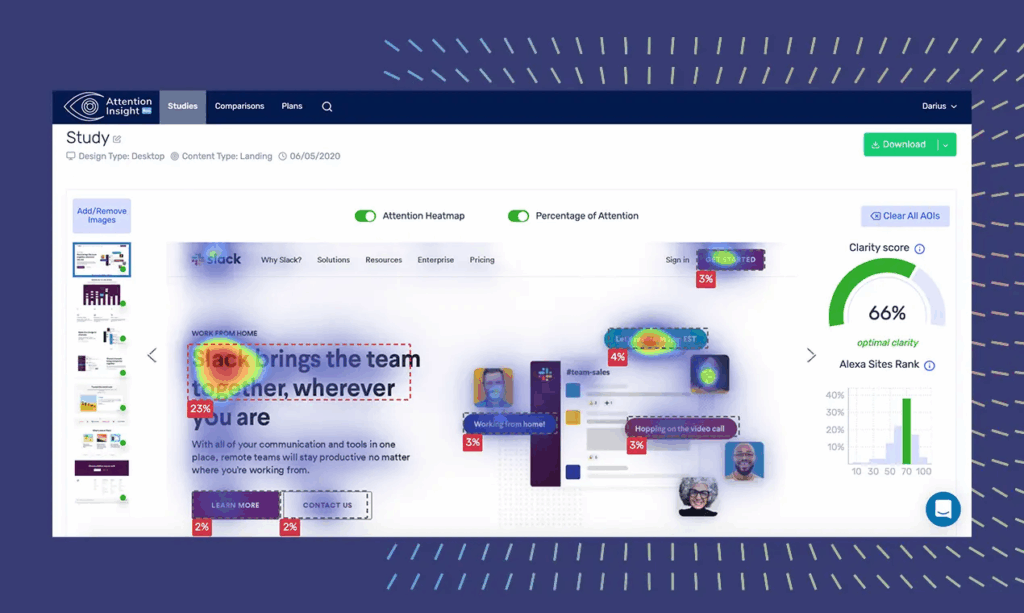
When it comes to analytical depth, Attention Insight is one of the most reliable AI tools for UX research. It predicts where users will look first on a webpage or app interface—based on over a million training data points. With its heatmaps and attention score predictions, designers gain quantitative feedback even before a user test begins.
AI in UX has long needed a way to bridge qualitative research with quantitative data, and Attention Insight does exactly that. Its pre-launch validation ensures your design is optimized for real-world attention patterns. This makes it an essential part of every AI UX designer’s toolkit.
For UI/UX professionals who want free AI tools for UX design, Attention Insight offers limited access trials, which are ideal for lean teams needing reliable insights without a heavy budget.
5. Adobe Firefly – AI-Powered Creativity Inside the Adobe Ecosystem
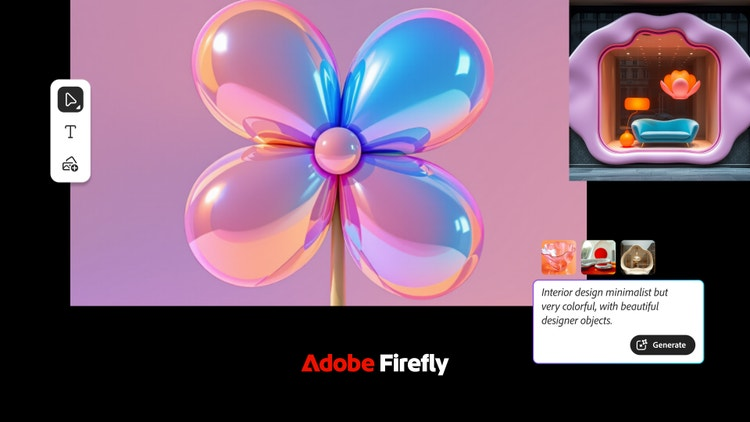
Adobe has infused AI into its design suite through Adobe Firefly, a generative AI tool tailored for creative professionals. When embedded within Adobe XD or Photoshop, Firefly enables UX designers to generate custom icons, background visuals, and even text-based mockups using a simple prompt.
Firefly is unique in that it works within the Adobe ecosystem, enabling a smooth workflow for professionals already using Adobe’s tools. This combination of familiarity and cutting-edge AI gives it an edge over standalone UX AI tools.
What sets Firefly apart is its contextual awareness—knowing how to generate assets that feel consistent across screens, flows, and platforms. This helps brands maintain visual integrity while embracing AI tools for UX designers that speed up production timelines and reduce creative fatigue.
6. Figma AI – Smart Suggestions and Instant Layout Tweaks
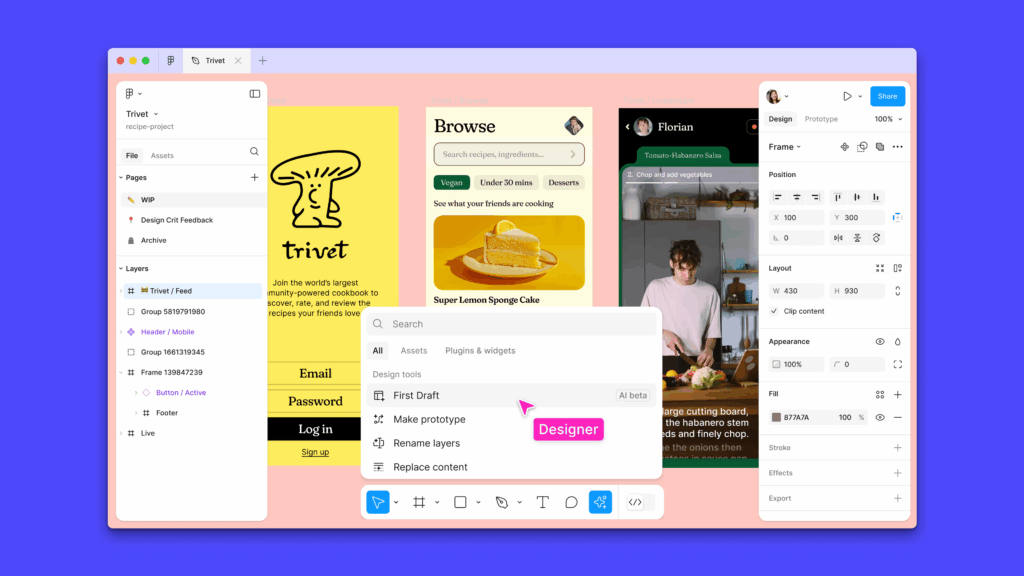
As of 2025, Figma AI is redefining collaborative UX design. Integrated into Figma’s existing interface, this AI-powered assistant offers smart layout suggestions, design consistency checks, auto-labeling, and even user flow predictions based on user journey mapping.
AI for UX design has always aimed to improve efficiency without sacrificing creativity, and Figma’s implementation strikes that balance beautifully. For design teams collaborating remotely, Figma AI ensures that version control, design rationale, and real-time collaboration are maintained at scale.
For those exploring the best AI tools for UI/UX designers that work across devices and allow real-time edits, Figma AI delivers unmatched flexibility. It also plugs into UX analytics platforms, allowing data to inform each design iteration.
7. Khroma – AI-Powered Color and Contrast Matching

A major aspect of good UI/UX is visual harmony, and Khroma uses machine learning to generate color combinations that resonate with user psychology and branding intent. Designers input preferences, and Khroma builds customized color palettes that ensure contrast, accessibility, and emotional resonance.
Color matching is often a pain point in UX, especially when targeting international audiences or accessibility compliance. Khroma leverages AI in UX to automate that decision-making, offering suggestions backed by real user behavior data and visual theory.
Whether you’re starting a UX design course or you’re a seasoned professional working on enterprise-grade platforms, Khroma is a reliable companion for visual refinement. It’s lightweight, browser-based, and is among the best free AI tools for UI/UX design available in 2025.
Why AI and UX Are the Perfect Match in 2025
The merging of UX and AI isn’t just about speeding up processes—it’s about improving design intelligence. AI tools can analyze millions of user journeys, suggest best practices, generate layout solutions, and predict friction points before they cause user churn. This level of insight is helping designers become strategic partners in product development.
For example, companies using AI tools for UX research can reduce the cost of traditional testing by more than 40%. AI UX designers are able to iterate five times faster than traditional workflows. This means more testing, more learning, and more refinement—all within shorter project lifecycles.
AI in UI design also enables hyper-personalization. By learning user behavior patterns, AI-driven design systems can create unique interfaces that adapt in real-time—something not feasible with manual methods.
The Future of AI Tools for UX Designers: What’s Next?
As the line between development and design continues to blur, the best UI/UX tools in 2025 are no longer just about drawing rectangles and choosing colors. They are intelligent, data-informed, and user-driven systems that evolve with every interaction.
Courses teaching AI for UX design are on the rise, highlighting the growing demand for designers who understand both human psychology and machine learning. Emerging platforms like Relume, Visily, and Genius UI are showing promise, combining real-time AI generation with usability-focused design suggestions.
More importantly, AI for UX design isn’t replacing designers—it’s augmenting them. The future belongs to creatives who can combine intuition with data, storytelling with automation, and empathy with logic.
Final Thoughts
The rise of AI tools for UI/UX designers is not only reshaping workflows but also redefining what great user experiences look like. From generating pixel-perfect UIs in seconds to offering real-time behavioral insights, these tools are becoming indispensable assets in every design toolkit.
Whether you’re just starting out or already a seasoned UX professional, embracing AI in UX will set you apart in a hyper-competitive landscape. Explore these tools, experiment boldly, and stay ahead in the evolving world of intelligent interface design. In summary, the best 7 AI tools for UI/UX design showcased in this article offer powerful ways to enhance creativity, automate tasks, and deliver better user outcomes—making them essential in every modern designer’s toolkit.