
AI tools for app development are transforming how businesses build mobile and web apps by reducing manual coding and design work The app development landscape has evolved dramatically in recent years, thanks in large part to Artificial Intelligence (AI). AI tools are now capable of generating code, designing intuitive user interfaces, automating testing, and even deploying cross-platform apps—faster and more efficiently than traditional development methods. Whether you’re a solopreneur building your first app, a startup founder racing to validate an MVP, or an enterprise developer looking to streamline your workflow, AI app builder platforms are becoming indispensable.
This article highlights 7 powerful AI tools that can accelerate every stage of your app development process—from ideation and UI design to coding and deployment. These tools are infused with AI capabilities that reduce manual effort, increase accuracy, and make app creation more accessible.
1. Builder.ai – Building Enterprise-Grade Apps Without Coding
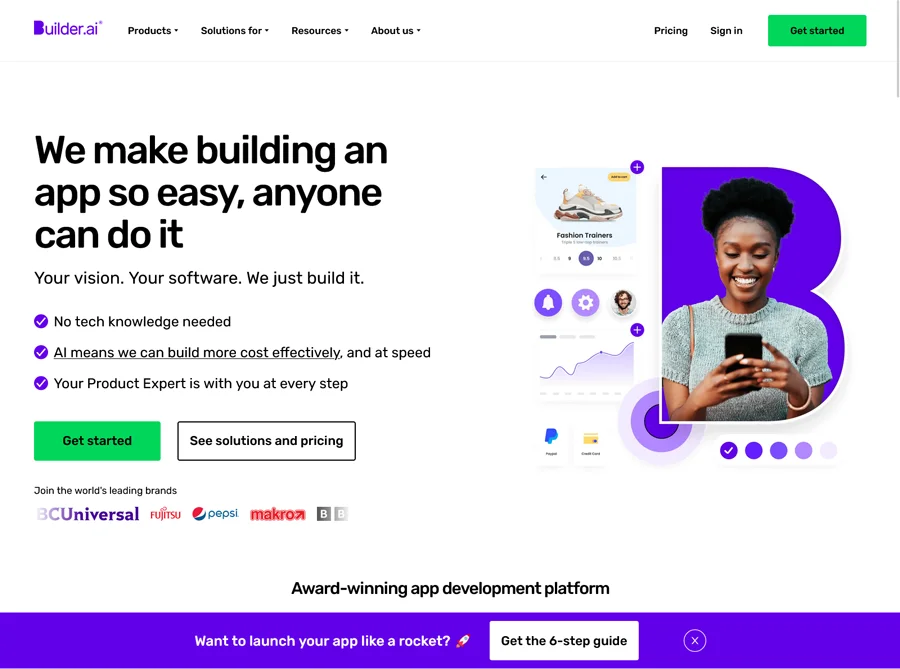
Builder.ai is a cutting-edge AI app builder that focuses on simplifying the process of app development for users with little or no coding experience. It uses artificial intelligence to break down app ideas into modular components and automatically assembles these components into a fully functional application.From startups to large enterprises, everyone can benefit from using AI tools for app development to speed up prototyping and deployment
Key Features:
- AI-Powered App Design: Builder.ai allows users to describe their app concept in plain English. The platform’s AI then suggests suitable templates and features, offering real-time customizations.
- Prebuilt Feature Library: Common app functionalities such as login systems, payment gateways, GPS tracking, chat modules, and more are available as plug-and-play features.
- Cross-Platform Support: You can create apps for both Android and iOS simultaneously without writing separate codebases.
- AI Project Manager (Natasha): Their virtual assistant oversees timelines and development progress, making it easy to monitor every stage.
Builder.ai is ideal for startups and enterprises that want to bring products to market quickly. You don’t need to be a developer or worry about learning how to create a new app—the AI handles the complex parts for you.
This platform also addresses common deployment pain points like hosting, publishing on app stores, and post-launch maintenance. That makes it one of the best AI apps for Android and iOS development in 2025.
2. Blackbox AI – Your AI Coding Assistant
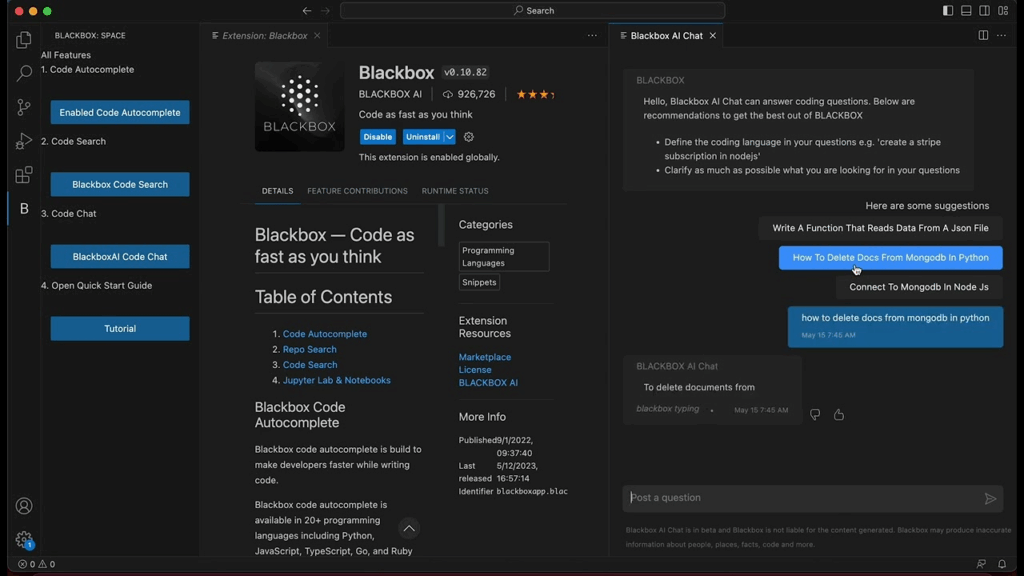
If you’re a developer looking to enhance productivity, Blackbox AI is a revolutionary tool that uses code generating AI to autocomplete code, identify bugs, and generate entire functions based on natural language inputs.
Key Features:
- Autocomplete Code in Real-Time: Similar to GitHub Copilot, Blackbox AI scans your code context and recommends lines or blocks of code, boosting speed and accuracy.
- Supports 20+ Programming Languages: Python, JavaScript, TypeScript, Go, Java, and more.
- AI-Driven Debugging: Identify and fix issues by asking Blackbox AI to review or explain your code.
- Chrome Extension & IDE Integration: You can use it directly in your browser or development environment like VS Code.
What sets Blackbox AI apart is its performance in real-world projects. It isn’t just a code helper—it can practically serve as a junior developer, allowing professionals to delegate routine tasks. It’s also useful for those experimenting with PowerApps or learning how to build automation flows.
This tool is favored by seasoned engineers who want to automate repetitive tasks and also by learners trying to understand real-time coding best practices. If you’re seeking the best AI for coding, this is one of the strongest tools on the market.
3. Momen – AI-Powered Mobile UI/UX Design
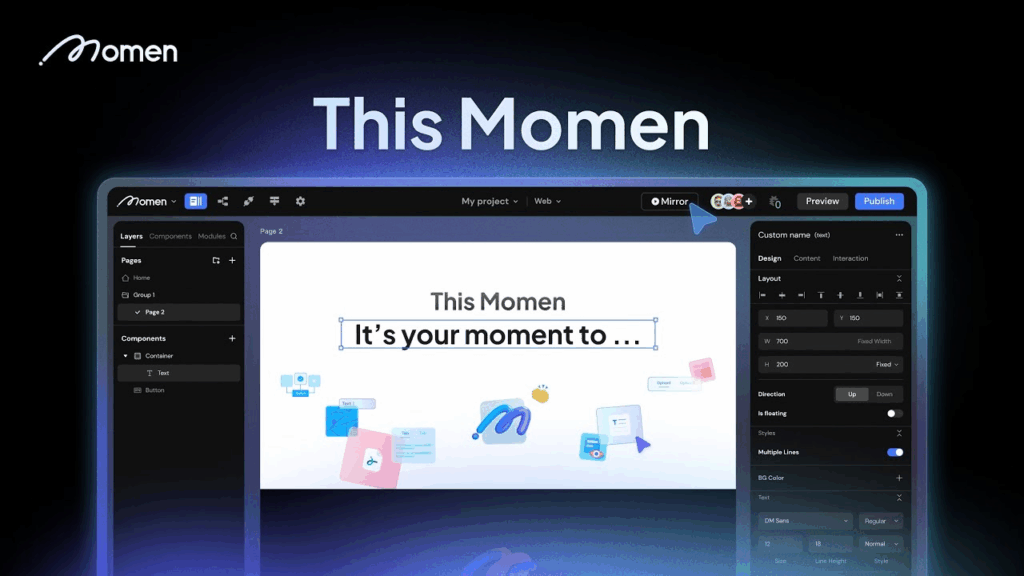
Momen is a visually-focused AI app builder that uses machine learning to simplify UI/UX design. It’s ideal for those who understand the importance of great design but may lack the skills to create beautiful interfaces from scratch.
Key Features:
- Auto Layout Generation: Based on your app concept, Momen auto-generates screens and components (like navigation bars, cards, buttons) that follow UI/UX best practices.
- Theme and Branding AI: Input a few branding elements (logo, color palette, fonts), and Momen generates consistent app themes.
- AI-Backed Suggestions: The platform offers layout and design improvements based on real-time feedback and user behavior analysis.
- Cross-Platform Prototyping: Build for Android and iOS side by side.
Momen is a valuable addition to any developer’s toolkit. It integrates seamlessly with platforms like Quickbase and Builder.ai, ensuring that the transition from design to development is smooth.
If you’re searching for an AI generator app that makes creating stunning app interfaces as easy as filling out a form, Momen is a top-tier option. It eliminates the intimidation many face when learning how to create a new app, especially around user experience design.
4. PowerApps – Low-Code Development for Enterprises
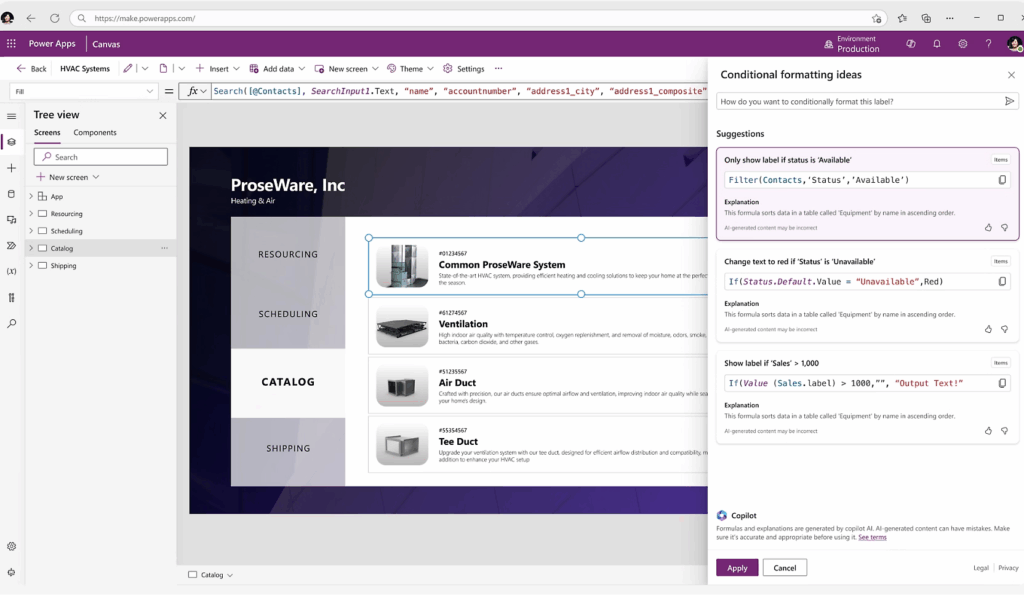
PowerApps by Microsoft is a robust platform for creating custom business apps that connect to your company’s data and workflows. It’s more than just an AI app builder—it’s a full-featured digital transformation tool for enterprises.
Key Features:
- Low-Code Platform: Users can create business apps using Excel-like expressions, saving time and resources.
- AI Builder Integration: Easily add AI models for prediction, form processing, sentiment analysis, and object detection.
- Data Connectors: Native support for Microsoft 365, Azure, SQL Server, Salesforce, Dropbox, and hundreds more.
- Responsive Design Templates: Apps adjust automatically to mobile and desktop views.
PowerApps is designed for professionals who want to make PowerApps to solve specific business challenges without relying on IT departments. From inventory tracking to employee onboarding, PowerApps allows companies to digitize their workflows using AI.
It’s one of the top coding apps for Android and iOS if your primary goal is to optimize internal operations. It shines in scenarios where enterprise-level data integration, automation, and AI-enhanced capabilities are needed.
5. Quickbase – No-Code Database Apps for Teams
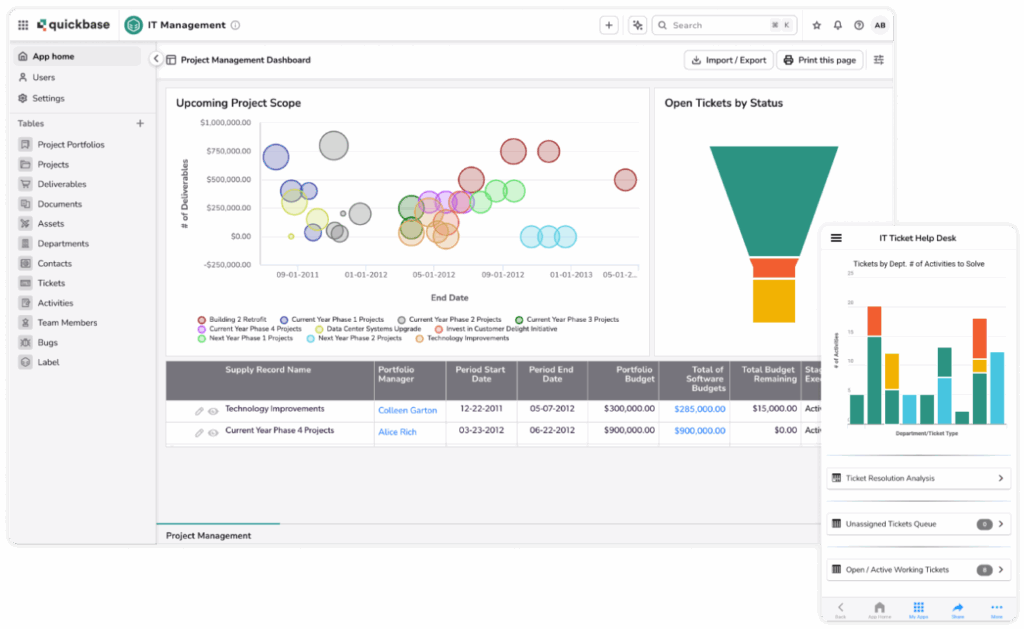
Quickbase is a no-code application builder that leverages AI to automate workflows and generate relational database apps. It empowers teams to create, connect, and optimize internal apps without writing a single line of code.Developers looking to streamline their workflow are increasingly turning to AI tools for app development to generate clean, scalable code
Key Features:
- AI-Driven Workflow Automation: Create logic-based triggers that automate processes like notifications, approvals, and record updates.
- Custom App Templates: Start with prebuilt templates tailored to project management, CRM, HR, and more.
- Secure Cloud Hosting: All apps are hosted on a secure infrastructure with high uptime.
- Real-Time Reporting: Dashboards give instant insights into team performance and process bottlenecks.
Quickbase integrates well with existing tools like Builder.ai, making it easy to handle backend logic and data operations. It’s especially useful for businesses looking to learn how to create a new app for data-driven internal use cases.
While it’s not typically labeled an AI generator app, its smart recommendations and automation make it functionally competitive with other code generating AI platforms. It’s a top pick for IT managers aiming to deploy scalable internal tools quickly.
6. Kodika – AI-Powered iOS & Android App Design Studio
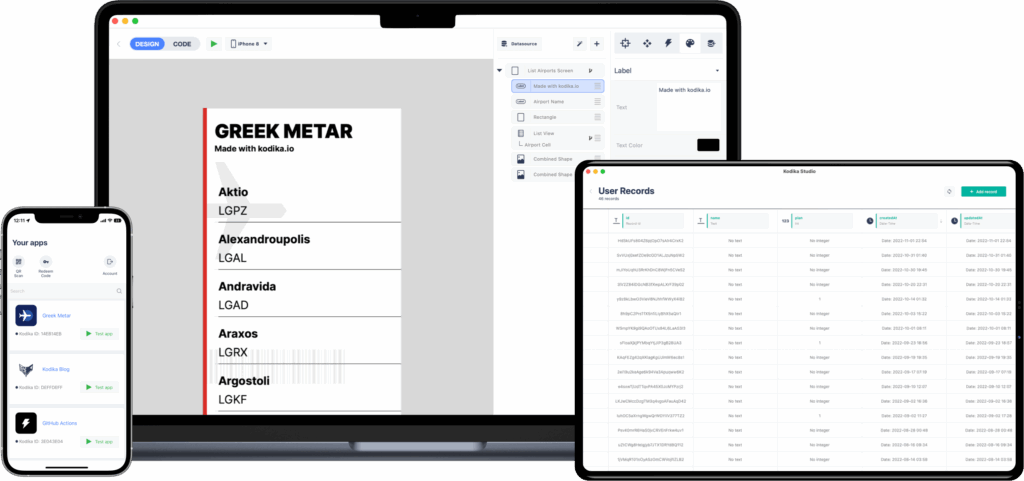
Kodika is a user-friendly AI app builder primarily focused on iOS apps but also expanding into Android development. It combines visual design with logic programming to help beginners and intermediate users launch mobile apps quickly.
Key Features:
- Drag-and-Drop Interface: Kodika offers a clean UI where you can design apps by moving elements around visually.
- Visual Logic Programming: Create app logic using simple flowcharts and conditions—no need to write code.
- Live Preview and Testing: Test your app instantly on your mobile device using the Kodika Viewer app.
- Cloud Export & Collaboration: Easily share and export projects or collaborate with teammates.
Kodika excels for users who want a low-barrier entry into app development. It’s ideal for students, early-stage startups, and hobbyists. It’s among the top best AI apps for Android and iOS design because of its real-time feedback and user-centric features.
If your goal is to learn how to create a new app from scratch with minimal friction, Kodika is a great place to begin. It makes app design feel more like building a slideshow than writing code.
7. Adalo – Build and Launch MVPs with AI Support
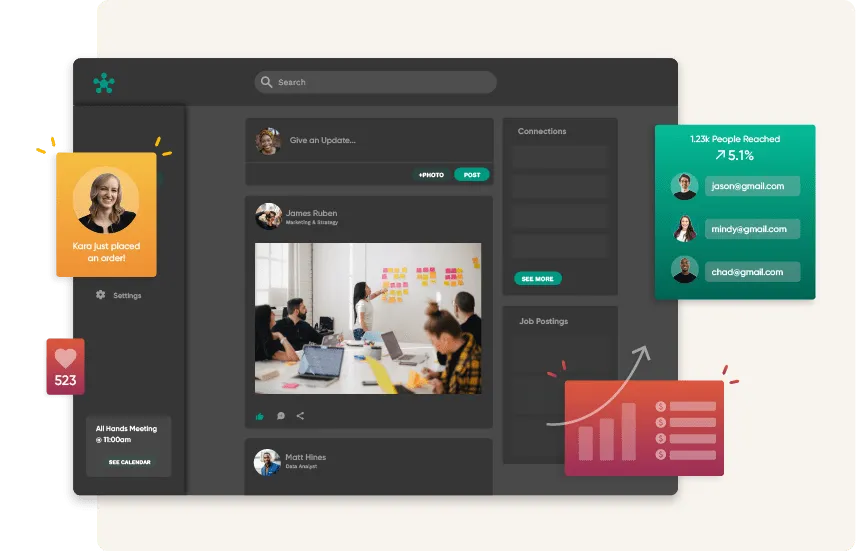
Adalo is another visual AI app builder that allows users to design, build, and launch functional mobile apps without writing any code. It’s best suited for prototyping and launching Minimum Viable Products (MVPs).
Key Features:
- Visual App Interface: Design your screens, link navigation, and connect databases without coding.
- Component Library: Choose from pre-built features like lists, forms, payments, and authentication.
- Database Integration: Built-in databases allow for dynamic user-generated content.
- Publish to App Stores: Export and publish directly to Google Play and Apple App Store.
Adalo is ideal for entrepreneurs or creators who want to test an idea before investing in full-scale development. It simplifies how to create a new app into a 3-step process: Design, Build, Launch.
Its growing AI capabilities include logic suggestions and data modeling predictions, which make it an emerging player in the AI generator app space. For bootstrapped developers, it’s an excellent alternative to more complex tools like Blackbox AI code or PowerApps.
Final Thoughts: The Future of App Development with AI
The fusion of AI and app development is not just a trend—it’s a paradigm shift. Whether you need a simple prototype or a complex enterprise solution, today’s AI app builder platforms and code generating AI tools reduce the barriers to entry and cut development cycles in half.
Here’s a recap:
| Tool | Best For | AI Capability | Platform |
|---|---|---|---|
| Builder.ai | Startups & Enterprises | AI-driven project manager | Android & iOS |
| Blackbox AI | Developers | Code generation & debugging | All IDEs |
| Momen | Designers & UI/UX Creators | UI layout automation | Android & iOS |
| PowerApps | Business Workflow Apps | Low-code + AI Builder | Android & iOS |
| Quickbase | Enterprise Internal Tools | Workflow automation | Web, Mobile |
| Kodika | Beginners and iOS Developers | Visual logic AI | iOS & Android |
| Adalo | MVPs and Prototypes | No-code, AI assistance | Android & iOS |
Whether you’re researching the best AI apps for Android, learning how to create a new app, or choosing the right AI generator app for your workflow, these tools are changing the game in 2025. Embrace AI in your development stack today—and launch faster, smarter, and stronger.