10 Best AI Productivity Tools in 2025
The landscape of productivity tools has undergone a revolutionary transformation in 2025, with artificial intelligence becoming the cornerstone of modern workplace efficiency. Gone are the days when productivity meant simply organizing tasks in digital calendars or managing projects through traditional software. Today’s best productivity AI tools 2025 offer unprecedented capabilities in smart workflow automation, intelligent time management, and seamless collaboration across remote teams.
As professionals, entrepreneurs, and students navigate increasingly complex work environments, AI for time management has emerged as a game-changer. These AI-powered solutions don’t just organize your schedule—they learn from your behavior patterns, predict your needs, and automatically optimize your workflow for maximum efficiency. From AI project management apps that handle resource allocation to productivity AI assistants that can write emails, schedule meetings, and generate reports, the integration of artificial intelligence into daily work processes has become essential for staying competitive in 2025.
The evolution of AI apps to boost productivity has been particularly remarkable in areas like smart note-taking, automated content creation, and predictive analytics. Modern AI tools for remote work and collaboration have broken down geographical barriers, enabling teams to work together seamlessly regardless of location. Whether you’re a freelancer looking to streamline your workflow or a enterprise-level organization seeking to optimize thousands of employees’ productivity, there’s an AI solution tailored to your specific needs.
This comprehensive guide explores the top 10 AI productivity tools that are defining efficiency standards in 2025, each offering unique capabilities that can transform how you work, collaborate, and achieve your goals.
1. Motion – The AI-Powered Project Management Revolution
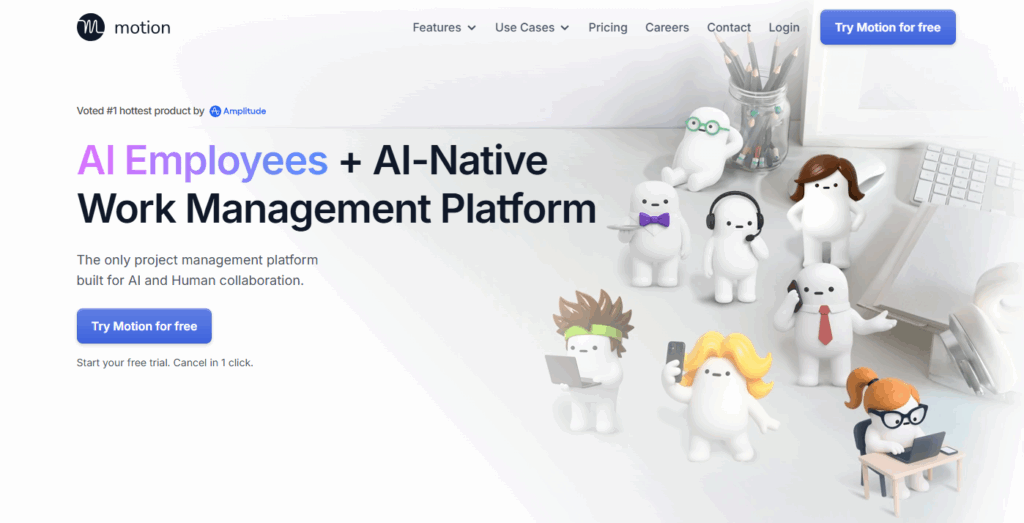
Motion stands out as one of the most innovative AI project management apps in 2025, combining intelligent scheduling with comprehensive project oversight. This platform revolutionizes traditional project management by using artificial intelligence to automatically schedule tasks, meetings, and deadlines based on priority, duration, and team availability.
The core strength of Motion lies in its ability to create dynamic schedules that adapt in real-time. When new tasks are added or deadlines shift, the AI instantly reorganizes your entire schedule to maintain optimal productivity. The platform’s intelligent calendar integration means you no longer need to manually juggle multiple calendars—Motion automatically finds the best time slots for focused work, collaborative sessions, and personal activities.
For project management, Motion excels at resource allocation and timeline optimization. The AI analyzes team members’ workloads, skill sets, and availability to suggest the most efficient task assignments. This makes it particularly valuable for remote teams and organizations with complex project dependencies. The platform’s predictive analytics help identify potential bottlenecks before they occur, allowing managers to make proactive adjustments.
Motion’s pricing starts at $34 per user per month, making it a premium solution that’s ideal for professionals and teams who need sophisticated AI-driven project management capabilities. The platform supports web, mobile, and desktop applications, ensuring seamless access across all devices. Its integration capabilities with popular tools like Slack, Google Workspace, and Microsoft 365 make it an excellent choice for organizations looking to enhance their existing workflow without disrupting established processes.
2. Notion AI – The All-in-One Workspace Intelligence
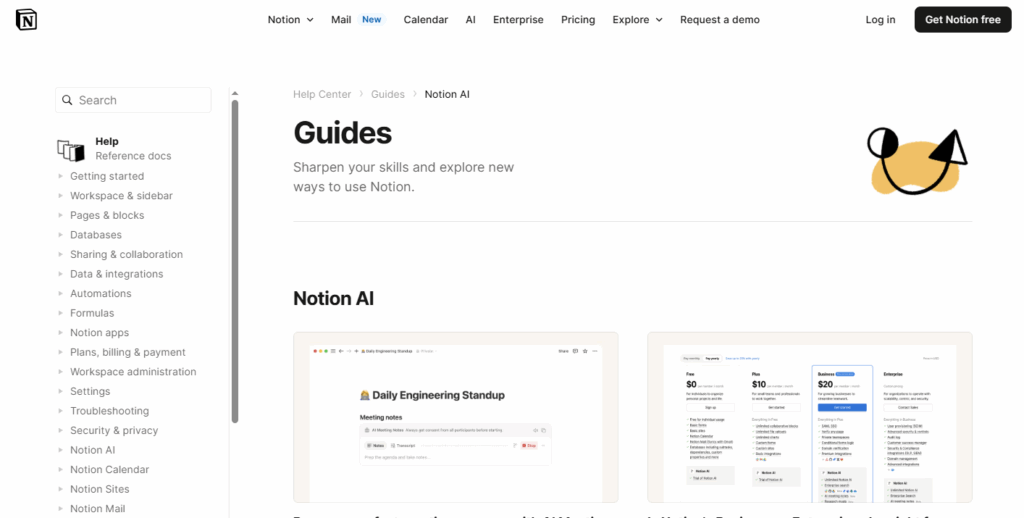
Notion AI has transformed from a simple note-taking platform into a comprehensive AI-powered workspace that handles documentation, project management, and content creation. In 2025, Notion AI represents one of the most versatile AI-powered note-taking tools available, offering intelligent writing assistance, automated content generation, and smart organization features.
The platform’s AI capabilities extend far beyond basic text generation. Notion AI can analyze your existing content, suggest improvements, generate summaries, and even create entire documents based on brief prompts. For teams managing knowledge bases, the AI can automatically categorize information, create relevant tags, and suggest connections between different pieces of content. This makes it invaluable for maintaining comprehensive documentation and institutional knowledge.
One of Notion AI’s standout features is its ability to adapt to different writing styles and formats. Whether you’re creating technical documentation, marketing copy, or project reports, the AI learns your preferred tone and structure to deliver consistent, high-quality content. The platform’s database functionality combined with AI insights provides powerful analytics and reporting capabilities that help teams make data-driven decisions.
Notion AI offers flexible pricing with a free tier for basic functionality and paid plans starting at $10 per user per month for advanced AI features. The platform’s extensive customization options make it suitable for individuals, small teams, and large organizations. Its collaborative features enable real-time editing, commenting, and version control, making it an excellent choice for teams that need a centralized workspace with intelligent automation.
3. Grammarly Business – AI-Powered Communication Excellence
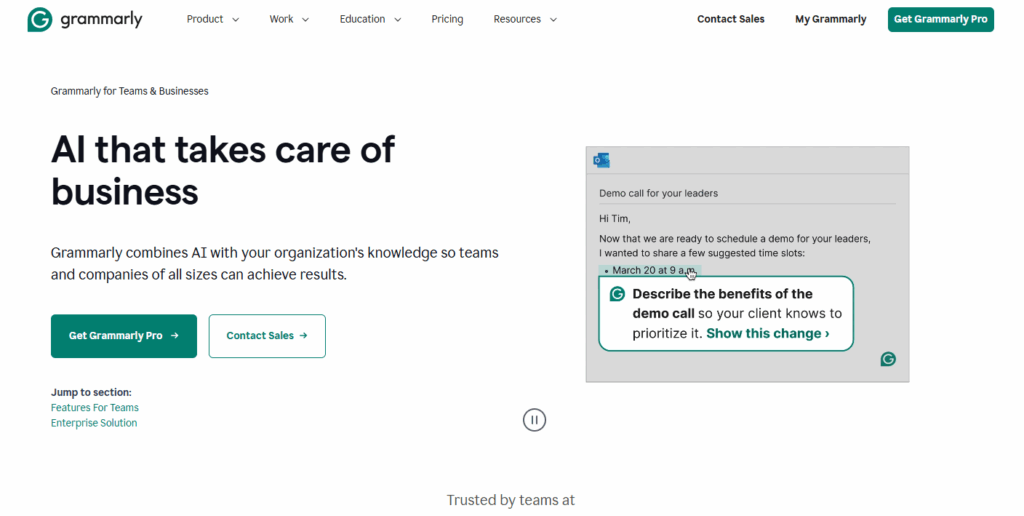
Grammarly Business has evolved into a comprehensive AI communication platform that goes far beyond grammar checking. In 2025, it serves as an essential productivity AI assistant for professionals who need to maintain high standards of written communication across all business contexts.
The platform’s advanced AI analyzes not just grammar and spelling, but also tone, clarity, engagement, and delivery effectiveness. For teams working across different time zones and cultures, Grammarly Business provides invaluable assistance in crafting messages that resonate with diverse audiences. The AI can suggest alternative phrasings that are more appropriate for specific contexts, whether you’re writing to clients, colleagues, or stakeholders.
Grammarly Business’s integration capabilities make it particularly valuable for remote work environments. The platform seamlessly integrates with email clients, document editors, social media platforms, and messaging apps, providing real-time suggestions wherever you write. The AI’s ability to learn from your writing patterns means it becomes more effective over time, adapting to your personal style while maintaining professional standards.
The platform offers robust analytics and reporting features that help teams track communication effectiveness, identify common writing issues, and measure improvement over time. For organizations focused on maintaining consistent brand voice and communication standards, Grammarly Business provides style guides and custom suggestions that ensure all team members write in alignment with company guidelines.
Pricing for Grammarly Business starts at $15 per user per month, making it an affordable investment for organizations of all sizes. The platform’s comprehensive security features, including data encryption and compliance with major industry standards, make it suitable for businesses handling sensitive information.
4. Zapier – Smart Workflow Automation at Scale
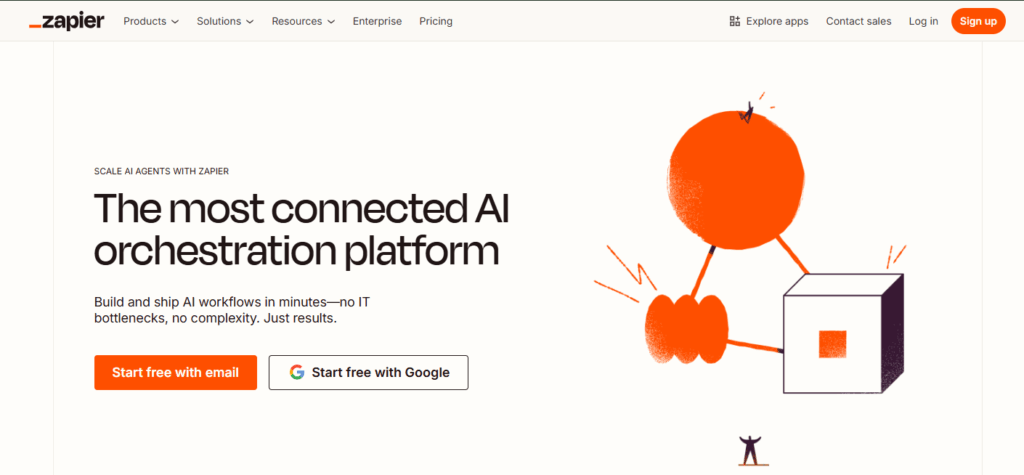
Zapier has cemented its position as the leading smart workflow automation platform in 2025, connecting over 5,000 apps and enabling businesses to create sophisticated automated workflows without coding. The platform’s AI-powered automation capabilities have expanded significantly, offering intelligent triggers, dynamic actions, and predictive workflow optimization.
The strength of Zapier lies in its ability to create complex automation chains that adapt to changing conditions. The AI can analyze your workflow patterns and suggest optimizations, identify bottlenecks, and automatically adjust processes based on performance metrics. This makes it particularly valuable for businesses looking to scale operations without proportionally increasing manual work.
Zapier’s newest AI features include intelligent data mapping, which automatically matches fields between different applications, and smart filtering that can make decisions based on context rather than rigid rules. The platform’s ability to handle multi-step workflows with conditional logic makes it suitable for complex business processes that require sophisticated automation.
For remote teams and distributed organizations, Zapier serves as the connective tissue that keeps all tools and processes synchronized. The platform can automatically update project statuses, send notifications, generate reports, and trigger actions across multiple platforms based on specific conditions. This level of integration is essential for maintaining productivity in modern, tool-rich work environments.
Zapier offers a free tier with basic automation features, with paid plans starting at $19.99 per month for more advanced functionality and higher task limits. The platform’s extensive library of pre-built automation templates makes it easy for new users to get started, while its advanced features provide the flexibility needed for complex enterprise workflows.
5. Superhuman – AI-Enhanced Email Management
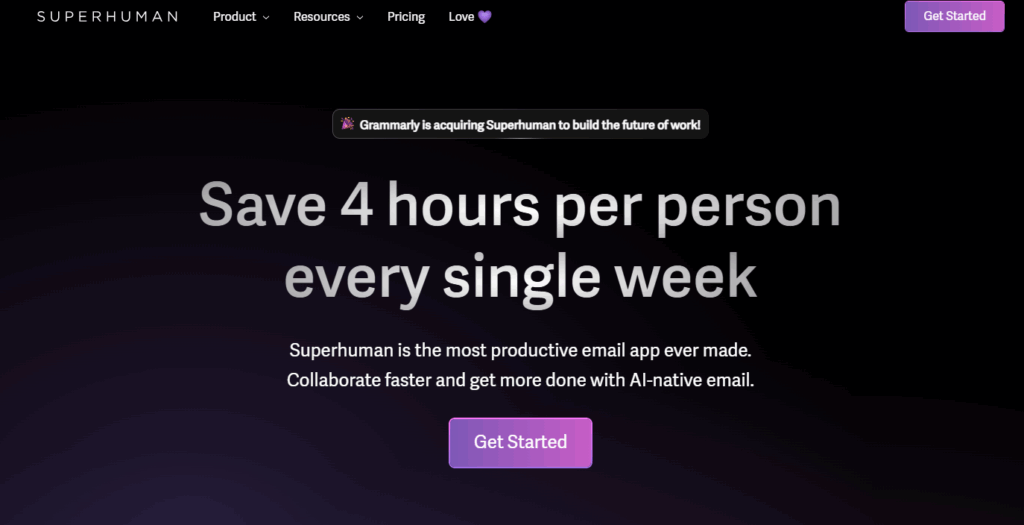
Superhuman has revolutionized email management by combining artificial intelligence with an intuitive interface designed for maximum efficiency. In 2025, it represents the pinnacle of AI tools for remote work and collaboration, particularly for professionals who deal with high email volumes and need to maintain quick response times.
The platform’s AI capabilities focus on intelligent email prioritization, automated responses, and smart scheduling. Superhuman’s AI learns from your email patterns to automatically sort messages by importance, highlight emails that require immediate attention, and suggest appropriate responses based on context. This level of intelligence significantly reduces the time spent managing email while improving response quality and consistency.
One of Superhuman’s most powerful features is its ability to integrate with calendar applications to suggest optimal meeting times and automatically schedule follow-ups. The AI can analyze email content to identify action items, deadlines, and important dates, then automatically create calendar events and reminders. This seamless integration between email and calendar management makes it an essential tool for busy professionals.
Superhuman’s collaboration features enable teams to share email templates, track message performance, and coordinate responses to important communications. The platform’s analytics provide insights into email productivity, response times, and communication patterns, helping users optimize their email habits for better results.
The platform is priced at $30 per user per month, positioning it as a premium solution for professionals who view email efficiency as a critical productivity factor. Superhuman’s focus on speed and efficiency makes it particularly valuable for executives, sales professionals, and anyone who needs to maintain high-volume email communications while ensuring quality and timeliness.
6. Otter.ai – Intelligent Meeting Assistant
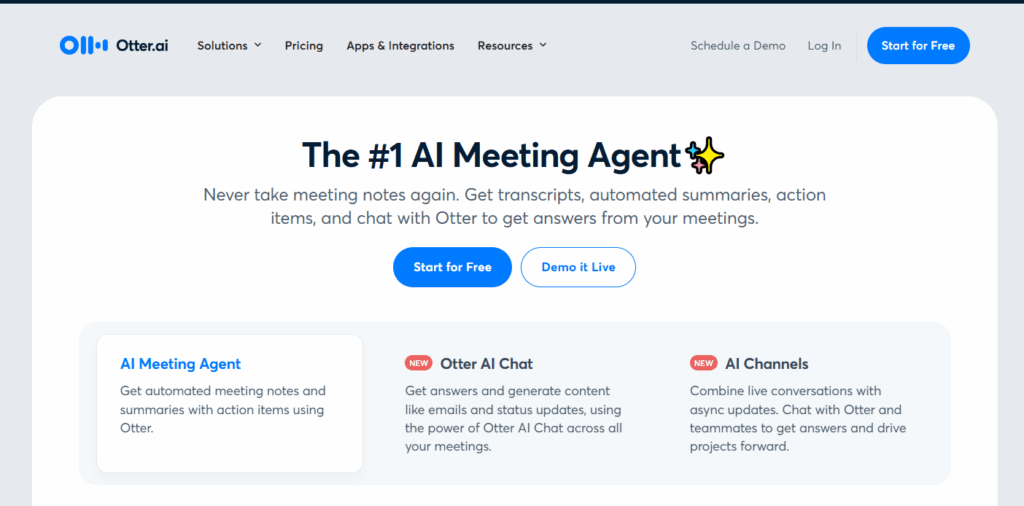
Otter.ai has transformed from a simple transcription service into a comprehensive AI meeting assistant that captures, organizes, and analyzes conversations in real-time. In 2025, it serves as an essential productivity AI assistant for teams that rely heavily on meetings and verbal communication for decision-making and collaboration.
The platform’s AI capabilities extend far beyond basic transcription. Otter.ai can identify speakers, extract key points, generate meeting summaries, and create action items automatically. The AI learns to recognize important topics and recurring themes, making it easier to track progress on ongoing projects and identify trends in team discussions.
For remote teams, Otter.ai provides invaluable support by ensuring that all team members can access complete meeting records, regardless of their ability to attend in person. The platform’s integration with popular video conferencing tools like Zoom, Microsoft Teams, and Google Meet means that meeting intelligence is captured automatically without requiring additional setup or manual intervention.
The platform’s search functionality uses AI to make meeting content easily discoverable. Users can search for specific topics, decisions, or action items across all recorded meetings, making it simple to reference past discussions and track the evolution of projects over time. This capability is particularly valuable for organizations that need to maintain detailed records of decision-making processes.
Otter.ai offers a free tier with basic transcription features, with paid plans starting at $10 per user per month for advanced AI features and increased transcription limits. The platform’s ability to integrate with existing workflows and provide actionable insights makes it an essential tool for any organization that wants to maximize the value of their meetings and verbal communications.
7. Todoist – AI-Powered Task Management
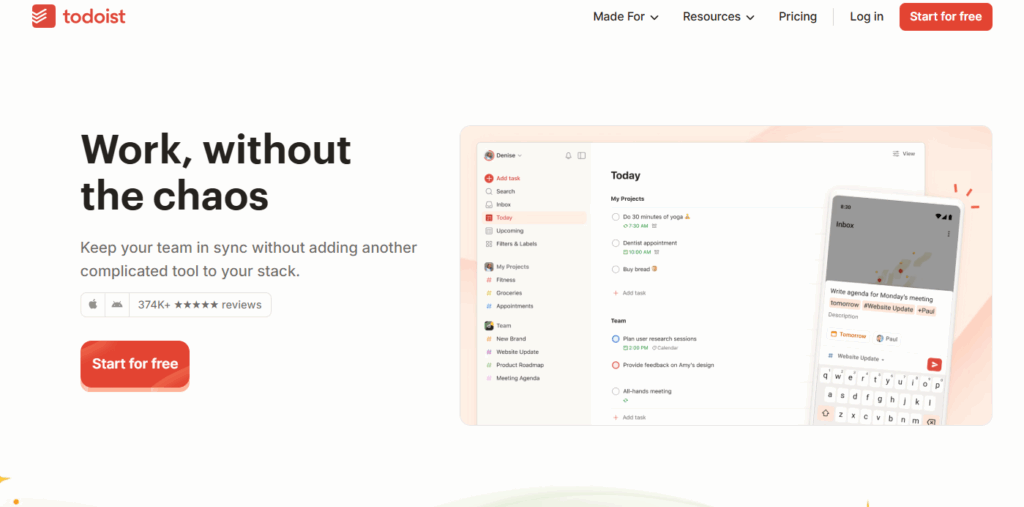
Todoist has evolved into a sophisticated AI project management app that combines intuitive task management with intelligent automation and predictive planning. In 2025, it represents one of the most accessible yet powerful AI apps to boost productivity, suitable for individuals and teams who need flexible task management with smart automation capabilities.
The platform’s AI features focus on intelligent task scheduling, automatic prioritization, and predictive planning. Todoist’s AI can analyze your task completion patterns, identify optimal times for different types of work, and suggest schedule adjustments that maximize productivity. The system learns from your behavior to provide increasingly accurate time estimates and deadline predictions.
One of Todoist’s standout features is its natural language processing capability, which allows users to create tasks and set reminders using conversational commands. The AI can interpret complex scheduling requests, automatically set appropriate due dates, and create recurring tasks based on context. This makes task entry incredibly fast and intuitive, reducing the friction often associated with task management systems.
For team collaboration, Todoist provides AI-powered project insights that help identify bottlenecks, track progress, and optimize resource allocation. The platform’s integration with popular productivity tools means that tasks can be automatically created from emails, calendar events, and other sources, ensuring that nothing falls through the cracks.
Todoist offers a free tier with basic task management features, with paid plans starting at $4 per user per month for advanced AI features and team collaboration tools. The platform’s balance of simplicity and power makes it an excellent choice for individuals and small teams who want sophisticated task management without the complexity of enterprise-level project management systems.
8. Canva AI – Visual Content Creation Revolution
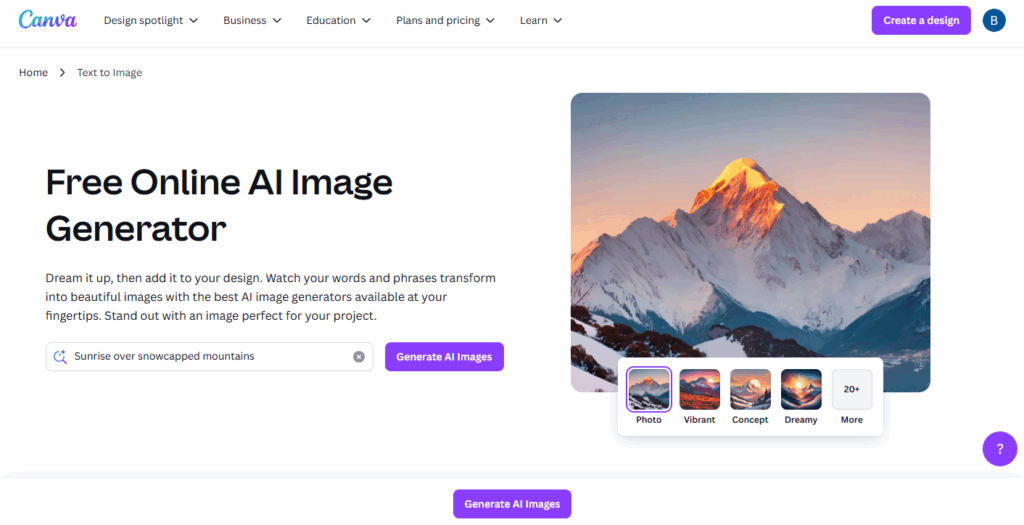
Canva AI has transformed visual content creation by making professional-quality design accessible to everyone, regardless of design experience. In 2025, it serves as an essential productivity AI assistant for teams that need to create compelling visual content quickly and consistently across multiple platforms and formats.
The platform’s AI capabilities include intelligent design suggestions, automated layout optimization, and smart color palette generation. Canva AI can analyze your content and brand guidelines to suggest appropriate design elements, fonts, and layouts that maintain consistency while ensuring visual appeal. This level of automation significantly reduces the time required to create professional-quality graphics, presentations, and marketing materials.
One of Canva AI’s most powerful features is its ability to generate custom graphics and illustrations based on text prompts. The AI can create unique visual elements that align with your brand style and content requirements, eliminating the need for expensive stock photography or custom illustration work. This capability is particularly valuable for social media managers, content creators, and marketing teams who need to produce large volumes of visual content.
The platform’s collaboration features enable teams to work together on design projects, share brand assets, and maintain consistency across all visual communications. Canva AI’s integration with popular social media platforms and marketing tools means that content can be automatically formatted for different channels and scheduled for optimal posting times.
Canva offers a free tier with basic design features, with paid plans starting at $12.99 per month for advanced AI features and team collaboration tools. The platform’s extensive template library and AI-powered customization options make it suitable for individuals, small businesses, and large organizations that need to maintain a consistent visual presence across multiple channels.
9. Reclaim AI – Intelligent Time Management
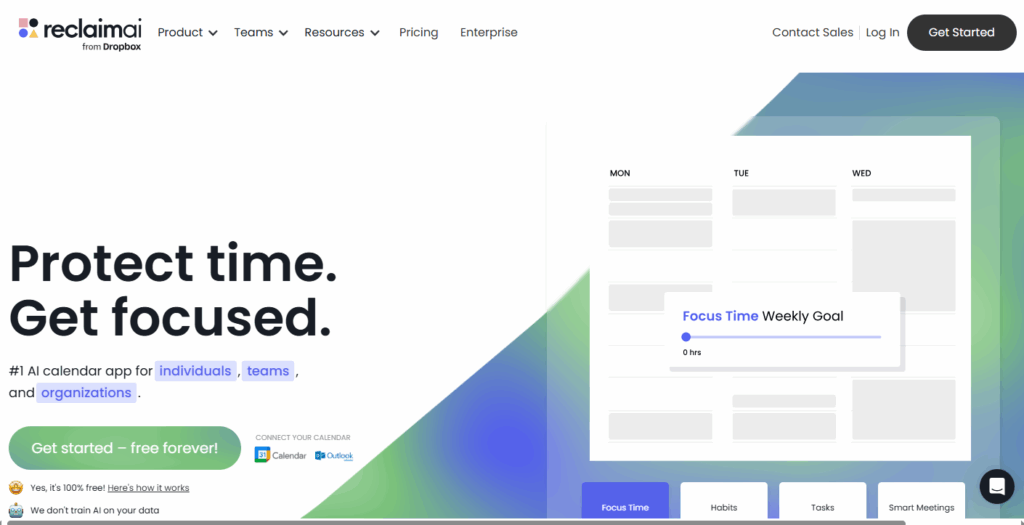
Reclaim AI has emerged as one of the most sophisticated AI for time management solutions in 2025, focusing specifically on helping individuals and teams optimize their schedules for maximum productivity and work-life balance. The platform uses advanced artificial intelligence to analyze calendar patterns, identify optimal times for different activities, and automatically schedule focus time, meetings, and personal activities.
The core strength of Reclaim AI lies in its ability to understand the different types of work you do and schedule them at optimal times. The AI learns when you’re most productive for focused work, when you prefer meetings, and when you need breaks, then automatically blocks time for these activities. This level of intelligent scheduling helps prevent the common problem of fragmented schedules that reduce overall productivity.
Reclaim AI’s smart scheduling capabilities extend to team coordination, automatically finding optimal meeting times that work for all participants while minimizing schedule disruption. The platform can analyze team members’ focus time preferences, energy levels, and availability to suggest meeting times that maximize attendance and engagement while protecting individual productivity.
For organizations focused on employee wellbeing and work-life balance, Reclaim AI provides valuable insights into scheduling patterns, workload distribution, and potential burnout risks. The platform can automatically schedule breaks, suggest vacation days, and help ensure that team members maintain healthy work schedules.
Reclaim AI offers a free tier for individual users, with paid plans starting at $8 per user per month for advanced features and team functionality. The platform’s integration with popular calendar systems and productivity tools makes it easy to implement without disrupting existing workflows, while its intelligent automation provides immediate value for users looking to optimize their time management.
10. Claude by Anthropic – Advanced AI Assistant

Claude by Anthropic represents the cutting edge of AI productivity assistants in 2025, offering sophisticated natural language processing capabilities that can handle complex tasks across multiple domains. Unlike traditional chatbots, Claude serves as a comprehensive productivity AI assistant that can assist with writing, analysis, coding, research, and strategic planning.
The platform’s strength lies in its ability to understand context and maintain coherent conversations across long interactions. Claude can help with tasks ranging from writing comprehensive reports and analyzing complex data to generating creative content and solving technical problems. Its ability to understand nuanced instructions and provide detailed, accurate responses makes it invaluable for professionals who need intelligent assistance with complex tasks.
For content creation and communication, Claude excels at adapting to different writing styles and formats. The AI can generate emails, reports, presentations, and marketing copy that matches your organization’s tone and style guidelines. Its ability to analyze and synthesize information from multiple sources makes it particularly valuable for research-intensive tasks and strategic planning.
Claude’s integration capabilities allow it to work alongside existing productivity tools and workflows. The platform can analyze documents, generate summaries, create action items, and provide insights that help teams make better decisions. Its ability to handle multiple languages and cultural contexts makes it suitable for global organizations with diverse teams.
Access to Claude is available through various pricing tiers, with options for individual users and enterprise organizations. The platform’s advanced capabilities and reliable performance make it an essential tool for professionals who need sophisticated AI assistance for complex tasks that require human-like reasoning and communication skills.
Comparison Table: AI Productivity Tools 2025
| Tool | Key Features | AI Capabilities | Best For | Pricing |
| Motion | AI scheduling, project management, calendar integration | Dynamic scheduling, resource allocation, predictive analytics | Teams, project managers, busy professionals | $34/user/month |
| Notion AI | All-in-one workspace, note-taking, content generation | Writing assistance, content organization, database insights | Teams, content creators, knowledge management | $10/user/month |
| Grammarly Business | Writing assistance, tone analysis, style guides | Grammar, tone, clarity, engagement optimization | Professional communication, remote teams | $15/user/month |
| Zapier | Workflow automation, app integration, smart triggers | Intelligent automation, predictive optimization | Process automation, tool integration | $19.99/month |
| Superhuman | Email management, smart prioritization, scheduling | Email sorting, response suggestions, calendar integration | High-volume email users, executives | $30/user/month |
| Otter.ai | Meeting transcription, speaker identification, summaries | Real-time transcription, key point extraction, search | Remote teams, meeting-heavy organizations | $10/user/month |
| Todoist | Task management, natural language processing, planning | Smart scheduling, predictive planning, automatic prioritization | Individual productivity, small teams | $4/user/month |
| Canva AI | Visual design, template generation, brand consistency | Design suggestions, content generation, layout optimization | Content creators, marketing teams | $12.99/month |
| Reclaim AI | Time management, schedule optimization, focus time | Intelligent scheduling, work-life balance, productivity insights | Time optimization, work-life balance | $8/user/month |
| Claude | Advanced AI assistant, content creation, analysis | Natural language understanding, complex reasoning, multi-domain assistance | Complex tasks, strategic planning, research | Variable pricing |
Frequently Asked Questions
1. What is the best AI productivity tool in 2025?
The best AI productivity tool depends on your specific needs, but Motion stands out for comprehensive project management, while Claude excels for complex analytical tasks. For most professionals, a combination of tools like Motion for scheduling, Notion AI for documentation, and Grammarly for communication provides the most comprehensive productivity enhancement.
2. Are AI tools replacing traditional project management software?
AI tools aren’t completely replacing traditional project management software, but they’re significantly enhancing capabilities. Modern AI project management apps like Motion and enhanced versions of Asana combine traditional project management features with intelligent automation, predictive analytics, and smart scheduling that traditional tools lack.
3. Can AI improve work-life balance?
Yes, AI tools like Reclaim AI and Motion are specifically designed to improve work-life balance by intelligently scheduling work tasks, protecting focus time, and automatically blocking time for personal activities. These tools help prevent overcommitment and ensure that important personal time is preserved in busy schedules.
4. What AI tools are best for remote teams?
The best AI tools for remote work and collaboration include Otter.ai for meeting transcription and summaries, Superhuman for email coordination, Zapier for workflow automation, and Notion AI for centralized documentation. These tools help bridge the communication gaps that often challenge remote teams.
5. Are there free AI productivity tools available?
Yes, many AI productivity tools offer free tiers with basic functionality. Notion AI, Todoist, Canva AI, Otter.ai, and Reclaim AI all provide free versions that include essential AI features. However, advanced capabilities and team collaboration features typically require paid subscriptions.
6. How do AI scheduling tools work?
AI scheduling tools like Motion and Reclaim AI analyze your calendar patterns, task priorities, energy levels, and preferences to automatically schedule activities at optimal times. They use machine learning to improve their suggestions over time, considering factors like meeting fatigue, focus time needs, and work-life balance preferences.
7. What should I consider when choosing AI productivity tools?
When selecting AI productivity tools, consider your specific workflow needs, integration requirements with existing tools, team size, budget, and the learning curve involved. It’s often better to start with one or two tools that address your biggest productivity challenges rather than trying to implement multiple solutions simultaneously.
8. How secure are AI productivity tools with sensitive business data?
Most reputable AI productivity tools implement enterprise-grade security measures, including data encryption, compliance with industry standards like SOC 2 and GDPR, and secure data processing. However, it’s important to review each tool’s security policies and ensure they meet your organization’s specific compliance requirements.
Conclusion
The AI productivity tools landscape in 2025 represents a fundamental shift in how we approach work efficiency and collaboration. These intelligent systems have moved beyond simple automation to provide sophisticated assistance that adapts to individual working styles, predicts needs, and optimizes workflows in ways that were impossible just a few years ago.
The ten tools highlighted in this guide—Motion, Notion AI, Grammarly Business, Zapier, Superhuman, Otter.ai, Todoist, Canva AI, Reclaim AI, and Claude—represent the cutting edge of AI-powered productivity enhancement. Each offers unique strengths that can significantly improve different aspects of professional work, from intelligent scheduling and project management to advanced content creation and communication optimization.
For professionals looking to stay competitive in 2025, adopting AI productivity tools isn’t just an option—it’s becoming essential. The combination of smart workflow automation, AI for time management, and advanced productivity AI assistants enables individuals and teams to accomplish more while maintaining higher quality standards and better work-life balance.
The future of AI-enhanced workflows looks incredibly promising, with continued advancements in natural language processing, predictive analytics, and intelligent automation. Organizations that embrace these tools now will be better positioned to adapt to future developments and maintain their competitive advantage in an increasingly AI-driven business environment.
Whether you’re a freelancer looking to optimize your daily workflow, a small business owner seeking to scale operations efficiently, or part of a large organization aiming to enhance team productivity, the AI tools highlighted in this guide offer practical solutions that can transform how you work. The key is to start with tools that address your most pressing productivity challenges and gradually build a comprehensive AI-powered workflow that supports your long-term success.
The investment in AI productivity tools represents more than just software adoption—it’s an investment in future-proofing your career and organization for the rapidly evolving demands of modern work. As these tools continue to evolve and improve, early adopters will benefit from the compound effects of enhanced productivity, better decision-making, and more efficient collaboration across all aspects of their professional lives.